

No products
 View larger


Unlimited SMTP 2G RAM - Full DKIM, SPF, New Domain, Private Clean IP
New product
24-hour warranty only
Package Highlights:
- 1 Dedicated IP
- Unlimited email sending
- High-speed delivery
- Virtual private server
- Fully configured SPF, DKIM & DMARC
- Inbox-ready domain mail ( Roundcube, cPanel & Private Business domain mail )
- Support for file attachments
- Compatible with all major bulk mailers
- Port: 25 | SSL: Enabled
- Validity: 30 days
10000 Items
More info
Dedicated private IP
Important Notes:
The 24-hour guarantee is calculated based on actual email delivery.
Most RDP, VPS, and server providers block port 25, which prevents SMTP usage. For unrestricted access, we recommend our dedicated RDP solution with all ports open: https://smtpstore.net/121-rdp-with-all-ports-open-port-25-enabled
Package Highlights:
- 1 Dedicated IP
- Unlimited email sending
- High-speed delivery
- Virtual private server
- Fully configured SPF, DKIM & DMARC
- Inbox-ready domain mail ( Roundcube, cPanel & Private Business domain mail )
- Support for file attachments
- Compatible with all major bulk mailers
- Port: 25 | SSL: Enabled
- Validity: 30 days
Server Specifications:
- 2 CPU Cores (Shared)
- 2 GB RAM
- 50 GB SSD Storage
- Unlimited Bandwidth
- 1 Free IPv4 Address
- 1 Gbps Network
- Location: United States or multiple global locations available
SMTP Standards
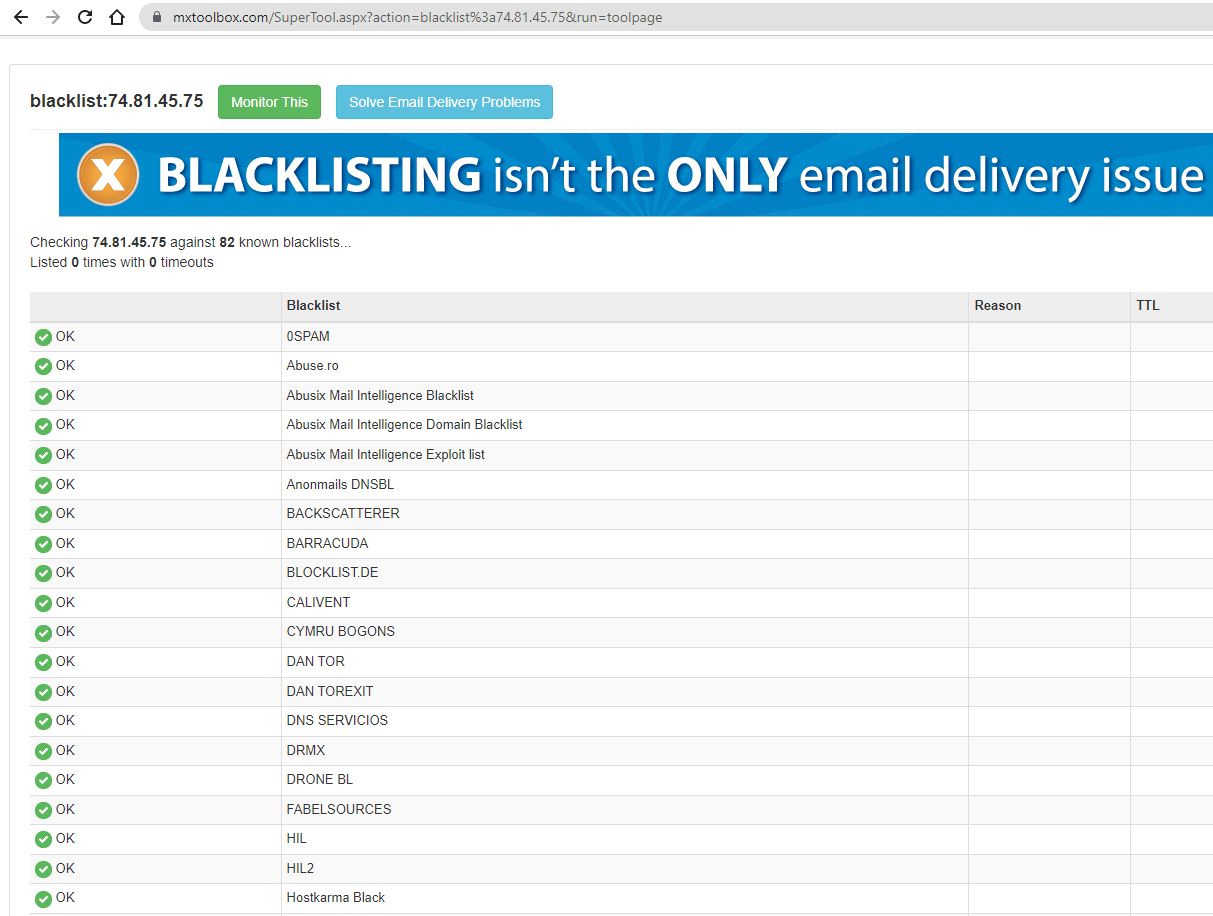
- Clean IP: All server IPs are carefully selected and not listed on any major anti-spam blacklists.
- New Domain: We provide a fresh .info domain. You may also purchase your own domain (.com, .net, .org, etc.) under any name you prefer. Free guidance will be provided upon request.
How to Test Your SMTP
To verify that the SMTP server is fully operational (ports 25 and 587 open), please send a test email to:
After sending, check the mailbox to confirm successful delivery:
https://zimomail.com/inbox/smtpstore.admin%40zimomail.com
If the email is not delivered, please contact the administrator for warranty support or a free SMTP replacement.
Important Notice
Unlimited SMTP is optimized for business domain email lists.
Sending to consumer email providers such as Gmail, Yahoo, Outlook, Office 365, and similar services typically yields poor results.
We do not offer warranty, refunds, or replacements in cases where performance expectations exceed current technical capabilities for these providers.
We are happy to recommend suitable solutions and can arrange technical testing for more advanced delivery methods if needed.
- Plain-text emails: Use 1–5 concurrent threads on a 4 GB RAM server.
- Emails with attachments: Limit the rate to 1 email per second (or set thread count = 1).
However, you can also experiment by gradually increasing the number of threads to achieve a higher email sending speed.
Reinstallation Fee for Unlimited SMTP (as new)
- The server IP is still clean (Clear), or
- The volume of emails you send is not too high.